


Prompt Engineering 101 - How to Actually Talk to AI
The quality of your results depends entirely on your prompts.
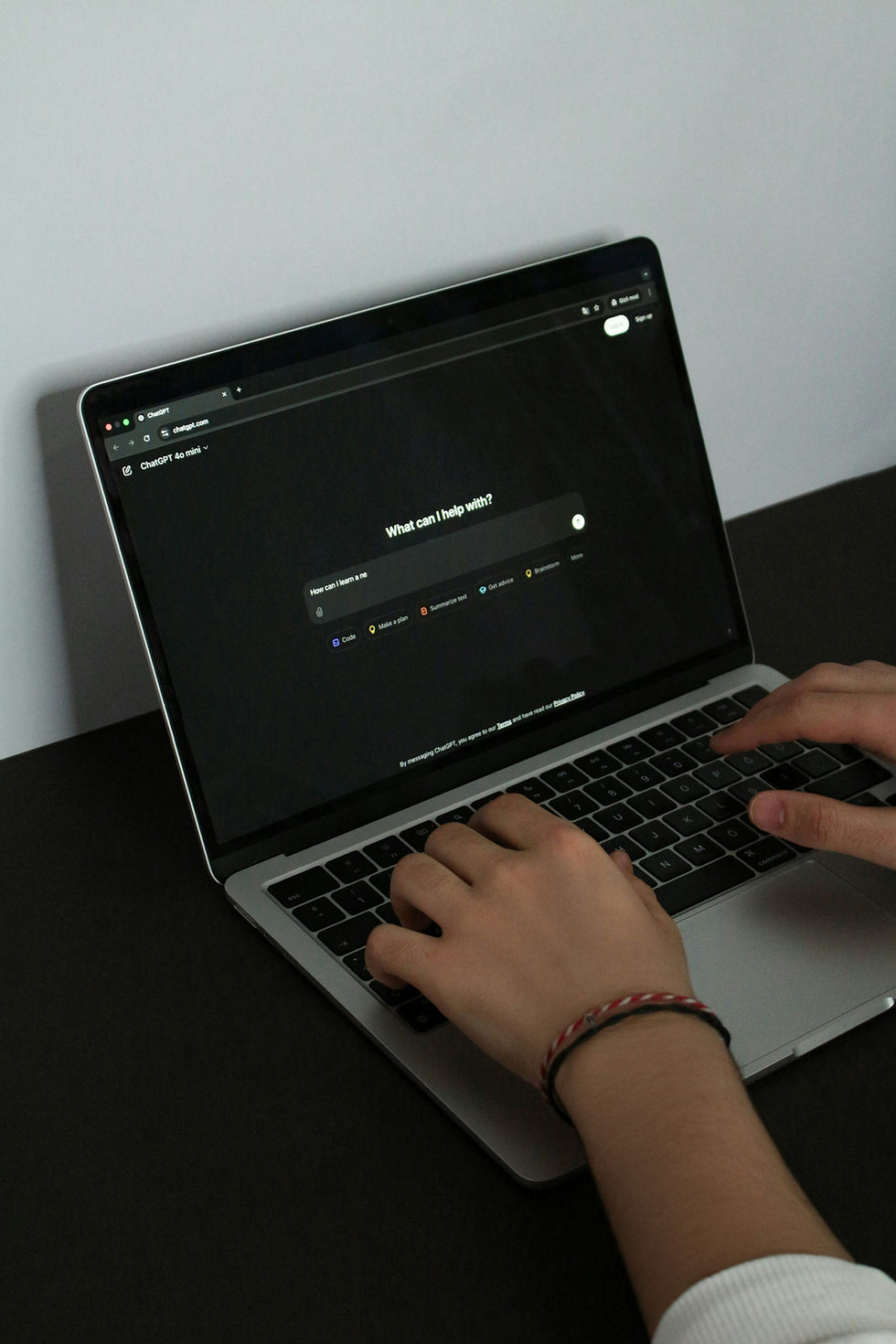
You’ve got access to AI tools. Great. But are you getting good results? If your prompts are vague, your outputs will be too. Prompt engineering is the skill of providing AI with clear, structured instructions that yield useful results. And it’s one of the most practical AI skills you can learn.
Why prompts matter
An AI model doesn’t read your mind. It reads your text. If you type “write me a report,” you’ll get a generic report about nothing in particular. If you type “Write a 500-word incident report summarizing a phishing attack that targeted the HR department via a fake DocuSign email, include timeline, impact, and recommended next steps,” you’ll get something useful.
The difference isn’t the AI. It’s the prompt.
The basics: be specific
The number one rule is specificity. Tell the AI what you want, who it’s for, how long it should be, what format to use, and what tone to write in. Every detail you provide is a constraint that makes the output better.
Bad prompt: “Explain firewalls.” Good prompt: “Explain what a firewall is to someone with no technical background. Keep it under 200 words. Use a real-world analogy.”
Give it a role
One of the most effective techniques is telling the AI who it should be. “You are a senior cybersecurity analyst writing a brief for a non-technical executive.” This sets the expertise level, the audience, and the tone all in a single sentence.
Role prompting works because it activates patterns in the model’s training data associated with that type of communication. A “senior analyst” writes differently from a “college student.” The model knows this.
Provide context
The AI only knows what you tell it in the conversation (plus its training data). If you’re working on a specific project, give it the relevant background. Paste the document you’re working with into the document. Describe the situation. The more context it has, the more relevant the output.
For cybersecurity work, this means you can paste a log snippet and say, “Analyze this log entry and identify any indicators of compromise.” Or paste a policy draft and say, “Review this password policy for gaps based on NIST 800-63B guidelines.”
Use examples
If you want the output in a specific format, show the AI an example. “Here’s an example of how I want the output formatted: [paste example]. Now do the same thing for [new topic].” This is called few-shot prompting, and it dramatically improves consistency.
This is especially useful for repetitive tasks like writing documentation, creating templates, or standardizing reports.
Iterate - don’t expect perfection on the first try
Your first prompt is a starting point. Read the output, identify what’s off, and refine. “That’s good, but make it more concise.” “Add a section about compliance requirements.” “Rewrite this for a technical audience instead.” This back-and-forth is where the real value comes from.
Common mistakes
Being too vague, asking multiple unrelated questions in one prompt, failing to specify the audience and provide context, and accepting the first output without reviewing it. And the biggest one — trusting the AI’s output without verifying it. Remember, these models can be confidently wrong.
Bottom line
Prompt engineering isn’t magic. It’s clear communication. The better you get at telling AI what you want, the better your results will be. Practice with real tasks, experiment with different approaches, and always verify the output. In the next post, we’ll go deeper into advanced prompting techniques.

$50
Product Title
Product Details goes here with the simple product description and more information can be seen by clicking the see more button. Product Details goes here with the simple product description and more information can be seen by clicking the see more button

$50
Product Title
Product Details goes here with the simple product description and more information can be seen by clicking the see more button. Product Details goes here with the simple product description and more information can be seen by clicking the see more button.
$50
Product Title
Product Details goes here with the simple product description and more information can be seen by clicking the see more button. Product Details goes here with the simple product description and more information can be seen by clicking the see more button.


Comments